Visit All The Chimani Parks!
arrowNational Parks
arrowAcadia National Park
arrowCape Cod National Seashore
arrowCuyahoga Valley
transNational Park
arrowGrand Canyon National Park
arrowGreat Smoky
transMountains National Park
arrowRocky Mountain
transNational Park
arrowYellowstone National Park
arrowYosemite National Park
arrowZion National Park
rule

Available for:

Available for iPhone
Available for Android
 
spacer
top
spacer

Support
Having a problem? What to learn more? Most important - don't hestitate to write or call if you can't figure out something! support@chimani.com or 207-221-0266

rule

Frequently Asked Questions

1. No Ranger Events are listed - what gives?
2. The map works but all of the buttons are blank - help!!!
3. Why is your app so large?
4. How do I delete a Favorite?
5. How do I view the Tides?

1. No Ranger Events are listed - what gives?
You need to be sure to download the latest version of the content database to ensure you have all the latest ranger events. To do this, click on the "i" icon on the top right corner of the home screen, then click the "Check For Data Updates". You will be prompted to download the latest database if one is available.

2. The map works but all of the buttons are blank - help!!!
On poor/weak WiFi or Internet connections, the database for the app gets corrupted during download. To resolve the problem, delete the app from your device and from iTunes on your computer, then go to the App Store and re-install it. Don't worry - you won't be charged again (so long as you using the same iTunes account). Try and have a strong Internet connection.

3. Why is your app SO large?
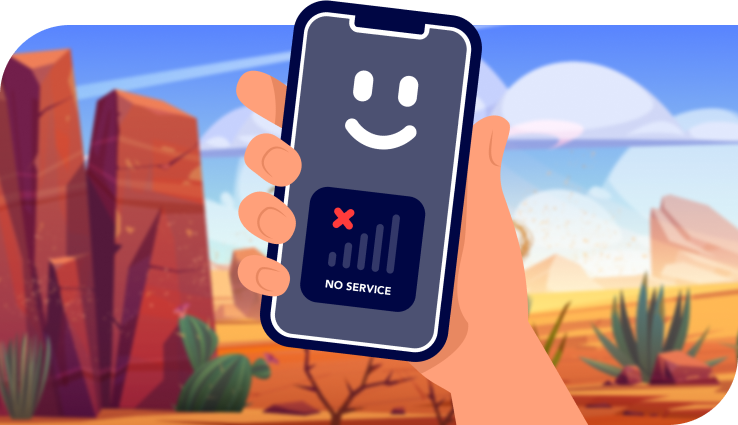
The main reason is because you cant trust, or relay on a cell phone connection in most National Parks so you should have everything you need on your phone and not be dependent of external websites for data. The maps within the Chimani apps are the cornerstone of the app they are high resolution, professional grade maps and literally thousands of unique images per app. This is the main reason.

4. How do I delete a Favorite?
If you swipe your finger across the item you want to delete in the Favorite list, you'll see a "Delete" button appear. Click it and the item will be removed from the Favorite list.

5. How do I view the Tides?
If you swipe your finger across the home screen, it will move to the next page of the app where you'll see the Tides content button. Each app is actually made up of three "pages" which you can swiped side-to-side.

spacer
bottom
 
rulex941
 
Chimani Home About Chimani Chimani Parks Chimani Support Chimani News Follow Chimani on Twitter Follow Chimani on Facebook signup