Download the Chimani app for your device.

Download app

Chimani

Plan stops, navigate offline, and stay ahead in the park.

Chimani brings trip planning, offline maps, live park alerts, and 4,000+ park guides into one app.

“Don’t leave home without it”

“If you plan on visiting one or all of the national parks this app is a must.”

App Store review · ★★★★★ · Jeffrey C.

4.5 App Store rating
3.5M+ Downloads since 2010
4,000+ National and state park guides
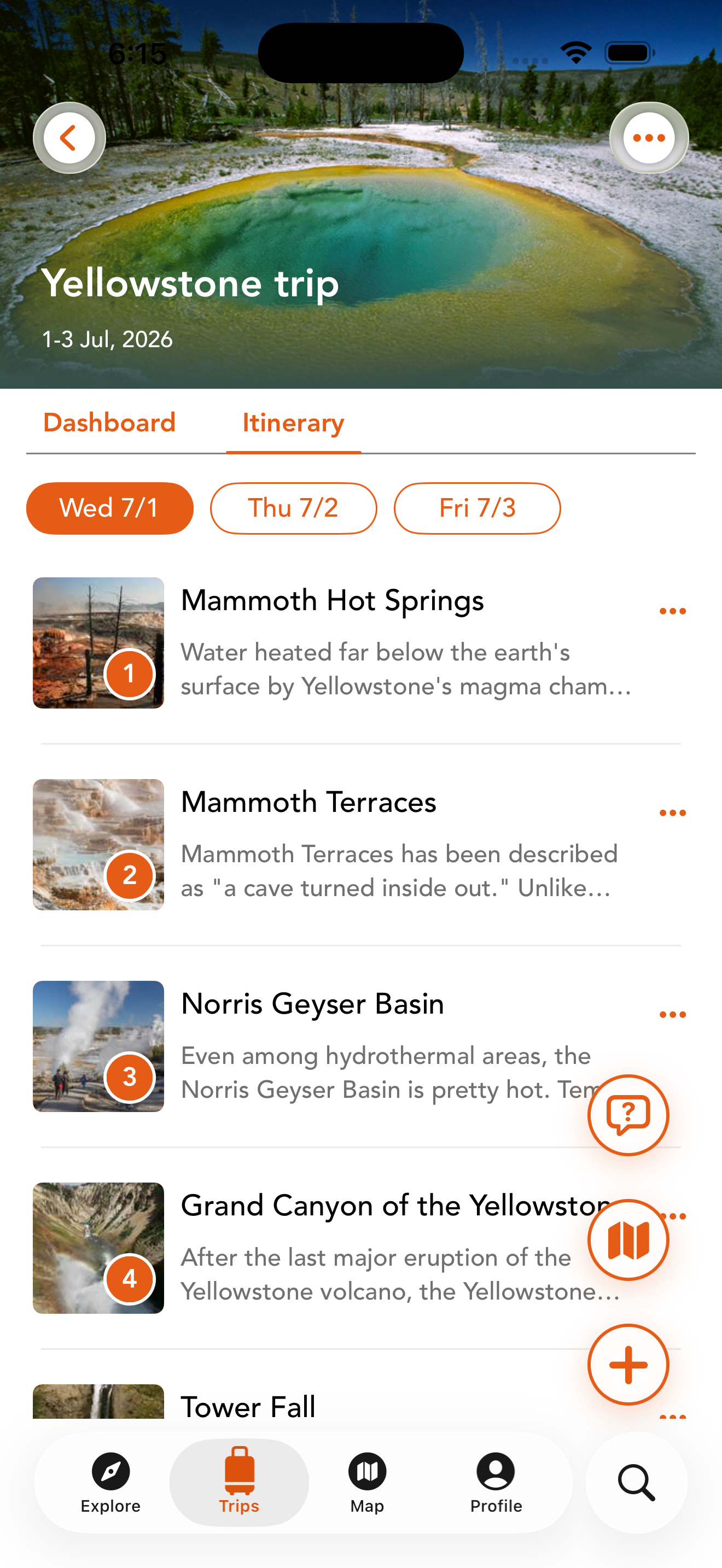
Chimani Yellowstone trip itinerary screen in the app
Trip planning feature icon

Trip Plans

Build a park-ready itinerary fast.

Travel guides feature icon

4K+ Guides

Explore thousands of park and place guides.

Live alerts feature icon

Live Alerts

See what is changing in the park now.

Offline maps feature icon

Offline Maps

Keep navigating when service disappears.

Used to plan trips, navigate the park, and get more out of every stop.

4.5 out of 5

Made our vacation

“This app was absolutely great and helped us plan and navigate our whole vacation in Yosemite.”

App Store review · Bethany B.

A breath of fresh air

“It’s by far the best designed, chock-full-of-information app you’ll find for any National Park.”

App Store review · Evan S.

Excellent for planning hikes

“Using this app to plan hikes and learn more about MDI. Excellent!!”

App Store review · Simona S.

Great resource for Acadia

“Great resource for Acadia National Park...”

App Store review · Cornell T.

USA Today logo
National Geographic logo
Los Angeles Times logo
Chicago Tribune
Bloomberg logo
CNET logo
Lifehacker logo
Outside
Digital Trends logo
Thrillist logo

See Chimani in action.

A quick look at trip planning, offline maps, ParklyTM, and park updates in the app.

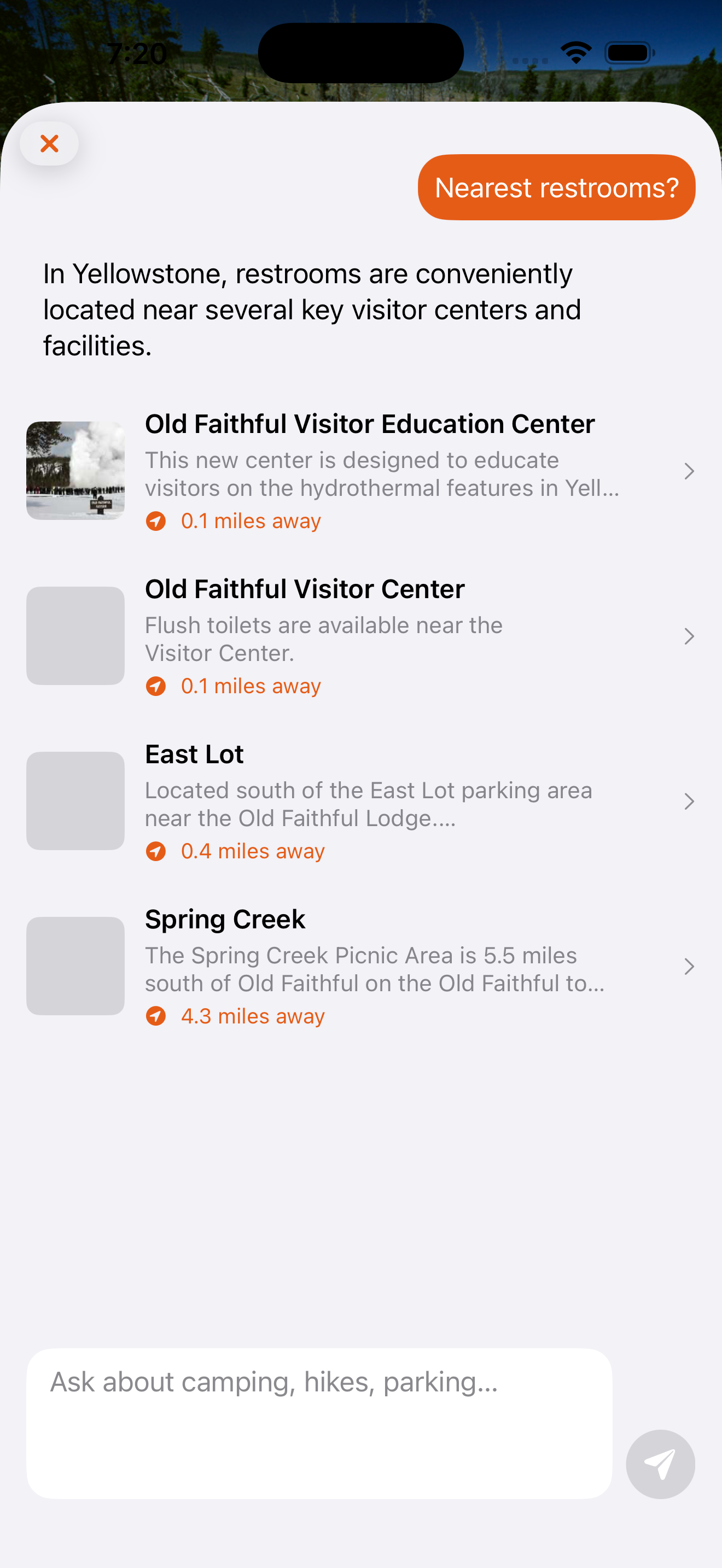
Ask ParklyTM Before You Go

Get quick answers about trails, timing, kid-friendly stops, overlooks, and what to prioritize in the park.

Parkly TM assistant showing nearby restroom results in Yellowstone
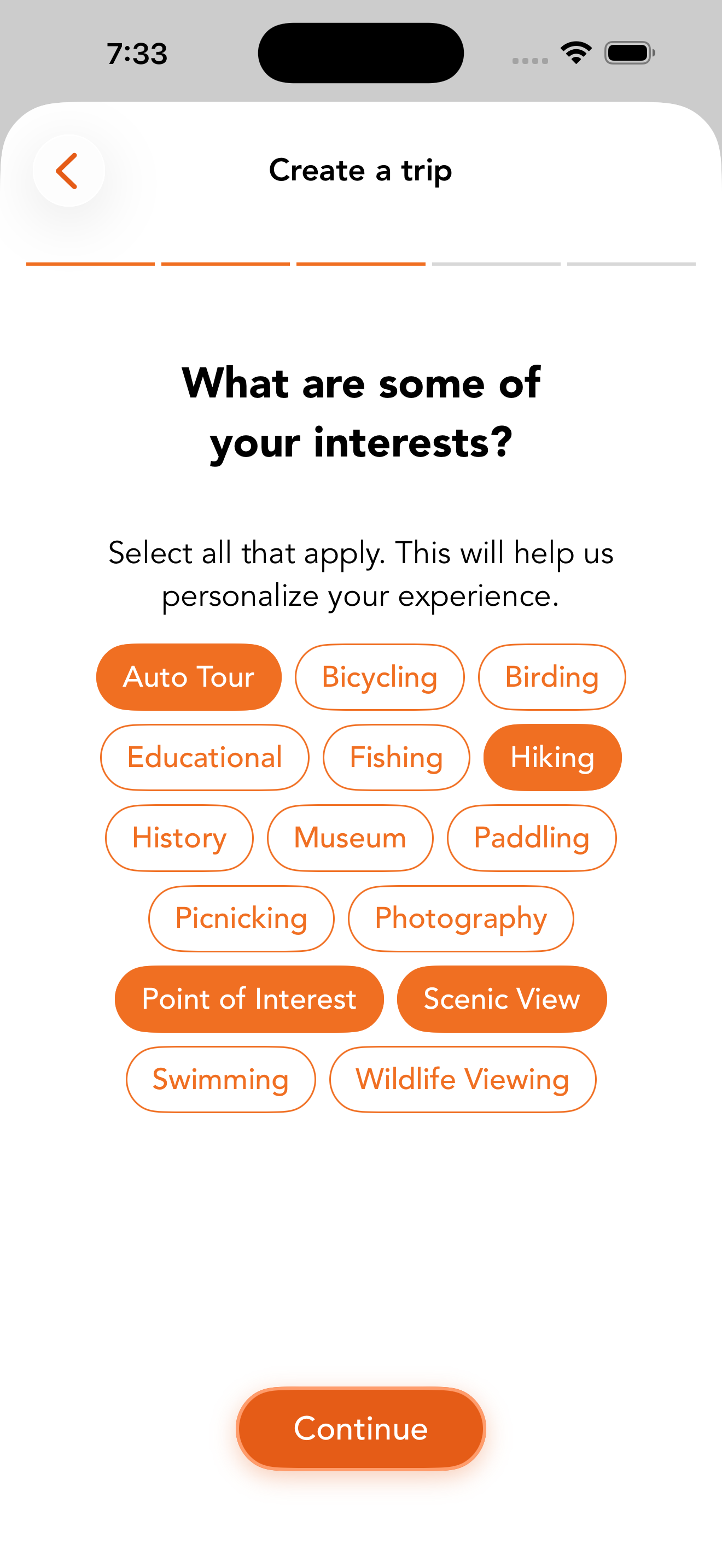
Trip planning flow in Chimani

Plan a Better Trip

Build a smarter park itinerary with curated stops, practical checklists, weather, and 4,000+ guides covering trails, overlooks, scenic drives, and useful stops.

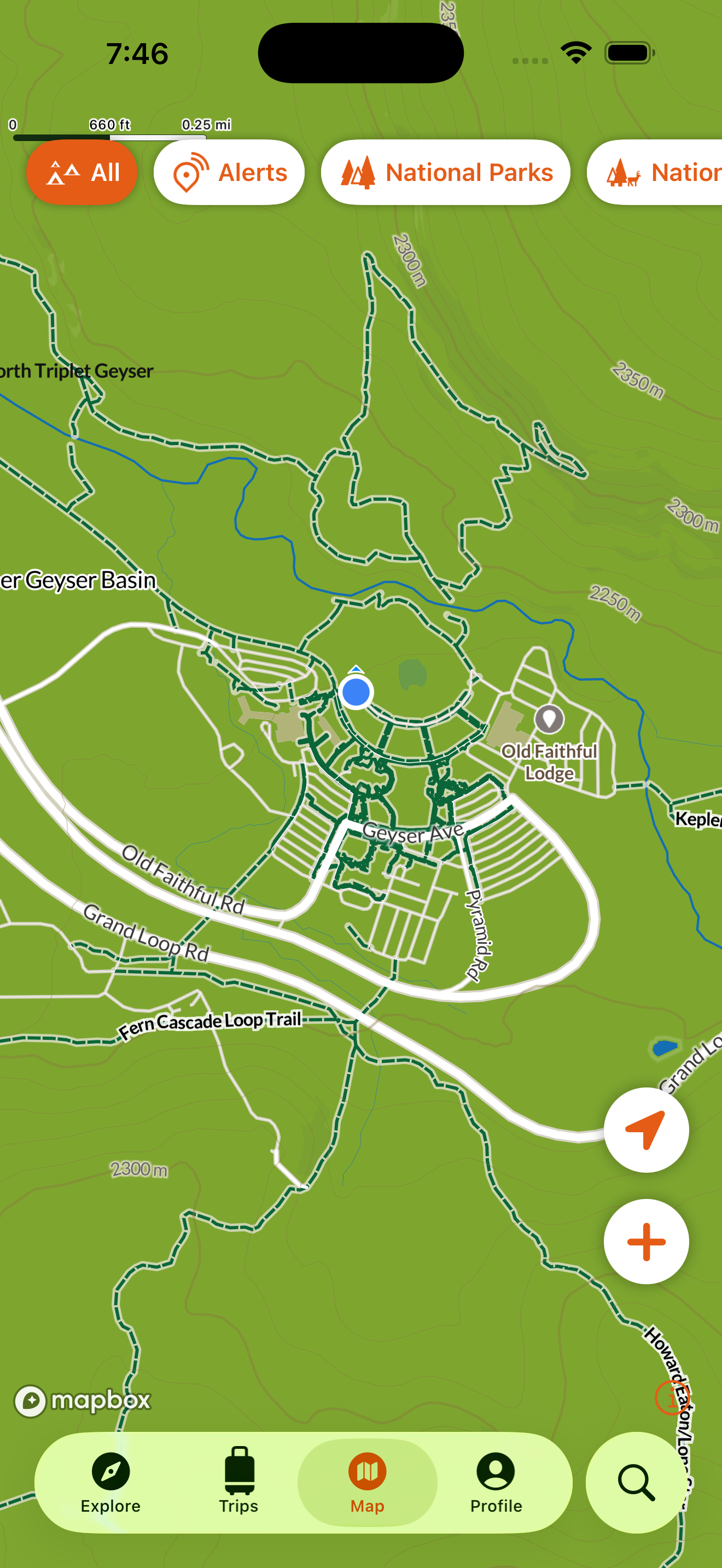
Navigate Even Without Cell Service

Download park maps before you go, keep navigating when service disappears, and catch closures or changing conditions before they derail the day.

Offline maps view in Chimani

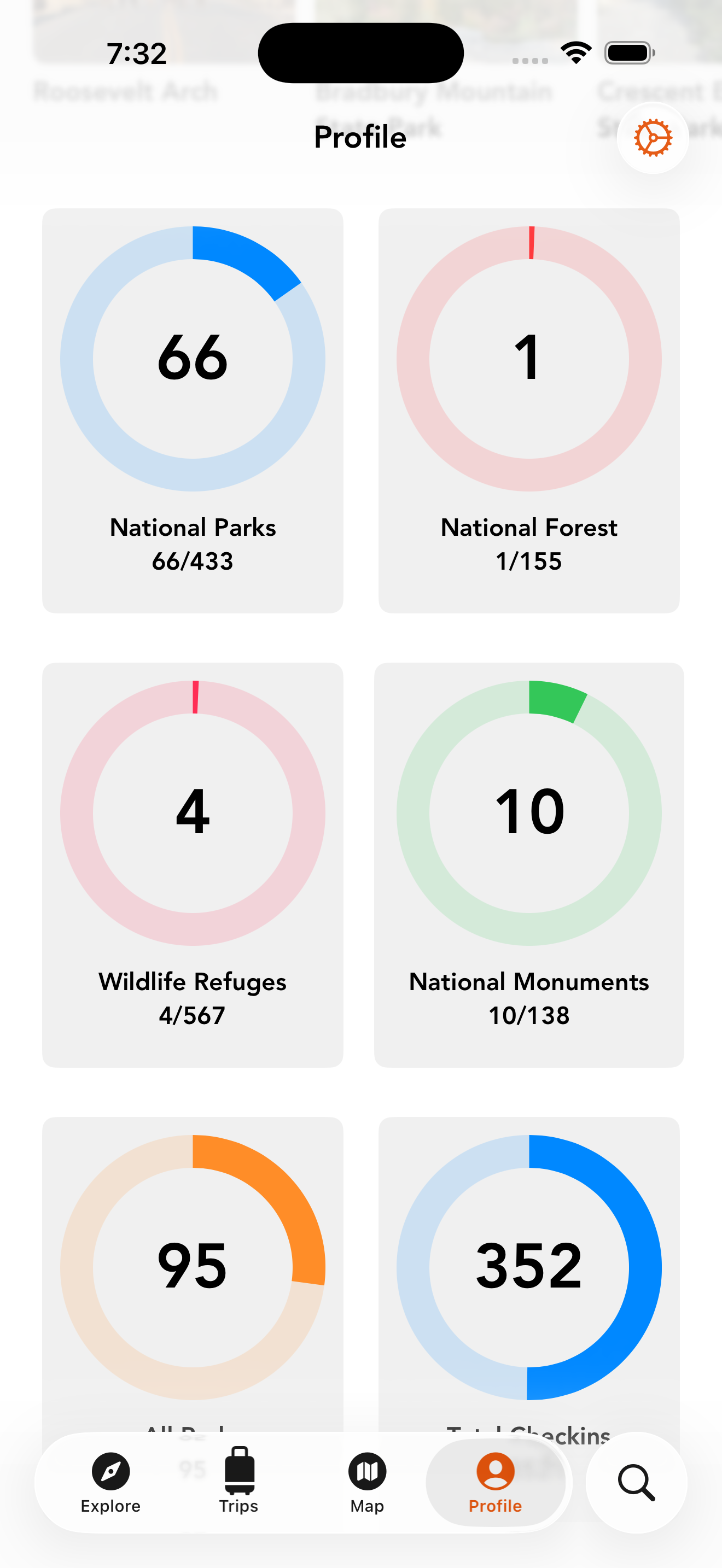
Keep a Record of Where You’ve Been

Check in to parks and points of interest, keep a simple visit history, and look back on the places you’ve explored.

Visit tracking profile view in Chimani

Before the trip, in the park, and after the visit.

Before your trip Plan stops and download maps

Build a smarter itinerary, save the places you want to hit, and download maps before service drops.

In the park Navigate offline and check alerts

Keep moving with offline maps and live updates when closures, delays, or detours change the day.

After your trip Track visits and save memories

Check in to parks and points of interest, build your visit history, and keep a record of where you have been.

Helpful answers before and after you download.

Does Chimani work offline?

Yes. Download maps and key park content before you go so you can keep navigating when service disappears.

Which parks are included?

Chimani includes guides across national parks, state parks, scenic drives, beach access, and other recreation areas.

Is it free?

Yes. Chimani is free to download, with core planning, guide, and map features available right from the app.

What’s included in the subscription?

The subscription includes unlimited trips, unlimited ParklyTM questions, offline maps, offline trips, and offline ParklyTM access. See the full Chimani+ plan.

What does ParklyTM do?

ParklyTM helps answer practical park questions fast, from nearby facilities and trail timing to what to prioritize once you arrive.

How do you pronounce Chimani?

Chimani is pronounced chee-MAH-nee, or as an easy way to remember it, “Chi-money.”

Why is it named Chimani?

The name comes from Chimanimani Mountains National Park in western Zimbabwe, which inspired founder Kerry Gallivan after an Outward Bound course there.

How do I cancel my subscription?

Cancel through the same app store where you subscribed, usually Apple App Store or Google Play, to stop the next renewal.

How do I restore my purchase?

Sign in with the same Chimani account, then use restore purchase in the app. If it still fails, contact support with your purchase details.

How do I move Chimani to a new phone?

Install Chimani on the new device, sign in with the same Apple ID or Google account, and restore your purchase if needed.

Why can’t I log in?

Try the sign-in method you used originally, such as Apple, Google, or email. If that fails, contact support with your device and app version.

How do I change my email address?

Contact support with your current email and the new one you want to use. We may need to verify account ownership first.

How do I delete my account?

Contact support with the email tied to your Chimani account. We may need to verify ownership before deleting it permanently.

How do I report a guide error?

Email support with the park name, where the issue appears, and the correction you recommend so we can review it.

Is your question not on the list? Contact us now.

Start free, then upgrade when Chimani becomes part of every trip.

Chimani+ is $35.99 per year, less than one park entrance fee, and unlocks the version of Chimani built for repeat park travel.

$35.99/yr Less than one park entrance fee for unlimited planning, offline access, and ParklyTM-powered help.
Feature
Free
Chimani+
1 trip, fully editable Your first trip stays free even if you never upgrade.
Unlimited personalized trip planning Build as many personalized itineraries as you want.
Offline maps, trips, and ParklyTM access Keep the most important planning context with you in the park.